Receipt tracking for field crews
ExpenseThis
Every receipt accounted for.
Take a photo of the receipt on site, tag the job and card, and find it later when you need it for the books.
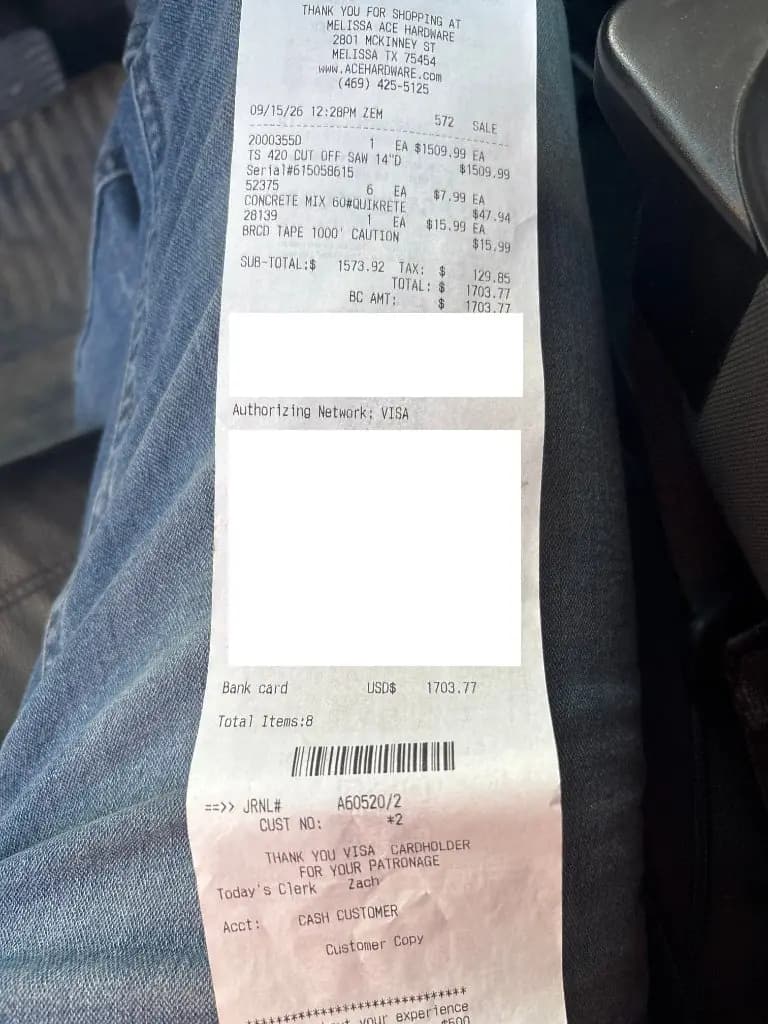
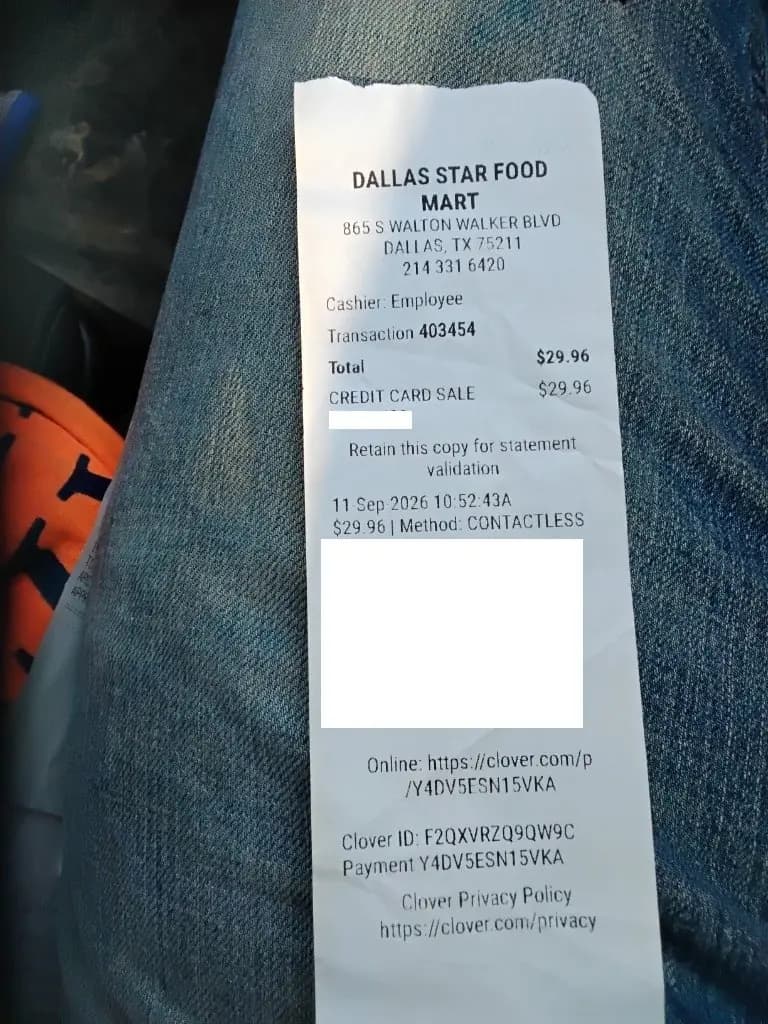
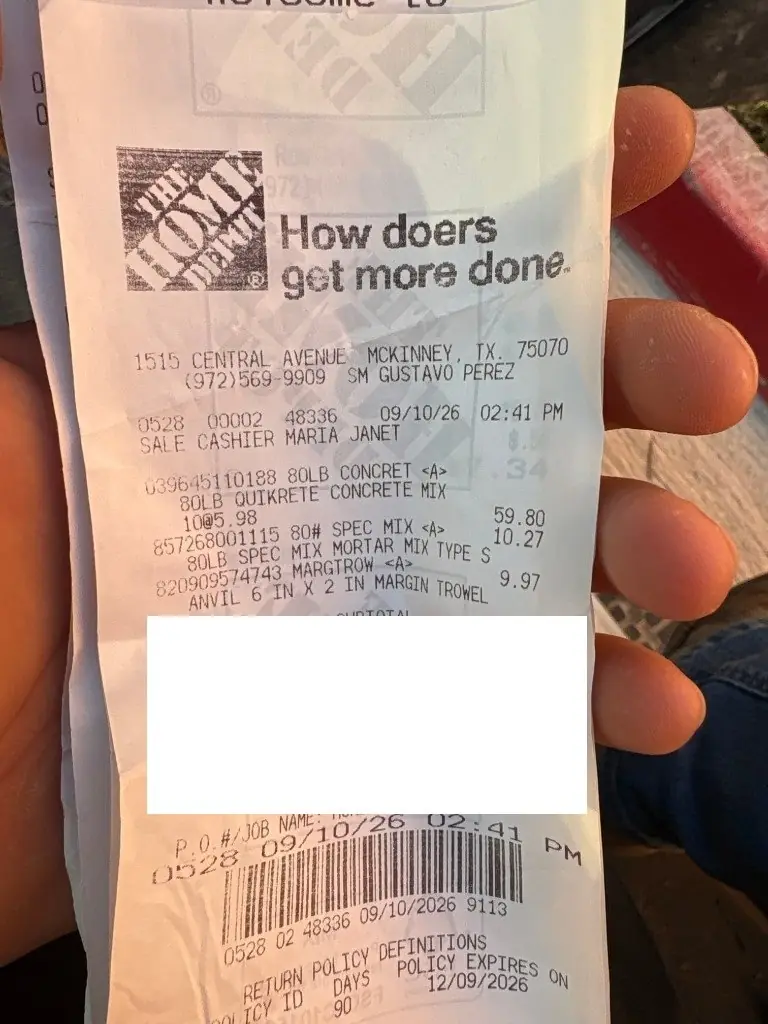
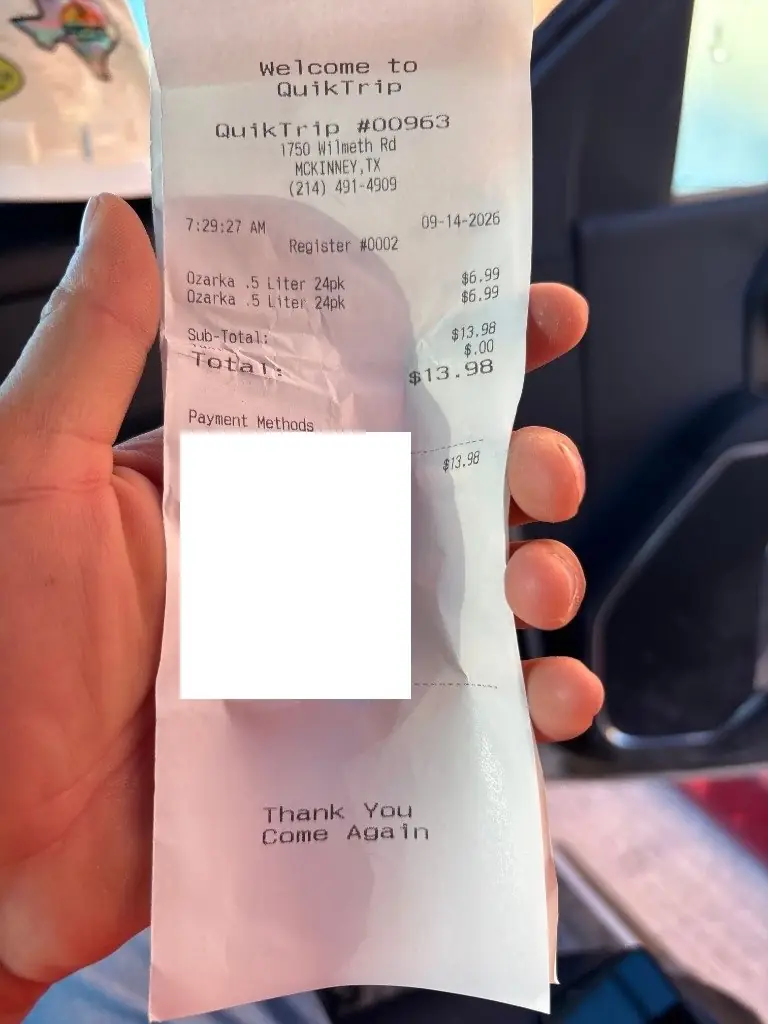
How it works
Three steps. Built for phones in the field and review at the desk.
- 1
Snap the receipt
Photo from your phone — camera or camera roll.
- 2
Tag the purchase
Job, which card, amount, and store.
- 3
Office clears it
Approve, reject, or deduct unauthorized items.
Built for crews that lose receipts
If receipts live in texts, camera rolls, and glove boxes, put them here instead.
- Contractors tracking job costs
- Field teams on company fuel and credit cards
- Owners who want a review queue, not a photo dump
Common questions
What is ExpenseThis?
A receipt tracker for field crews and managers. Snap the receipt, tag the job and card, review it at the desk.
Do employees need a complicated app?
No. Phone-first: take a photo, answer a few questions, submit.
Is there a free trial?
Yes. 7-day free trial · No card required · Built for field crews. Set up your workspace and try it with your team.
Can managers approve or deduct items?
Yes — approve, reject, or deduct unauthorized purchases from review.